
What a volunteer can run without a subscription
Projector Plus has a free tier with no trial and no countdown. Here is exactly where it stops, and why it stops there.
There is a Sunday most churches recognize. The person who normally builds the service is away, the volunteer at the laptop has opened the software twice before, and the first song starts in eleven minutes.
That Sunday is the one Projector Plus is free for.
Free is not a trial
Sign in with Planning Center and you are presenting. There is no trial to start, no countdown, and nothing that expires. On the free tier you can:
- browse your service plans and every item’s details
- present slides — on the device, to a connected display, or over AirPlay
- play the media already attached to a plan item: images, video, audio, and PDF or ZIP slideshows
- read lyrics and arrangements
- use all five built-in layouts, and switch between them freely
- keep presenting when the network drops, and start Projector Plus offline on a plan it has already cached
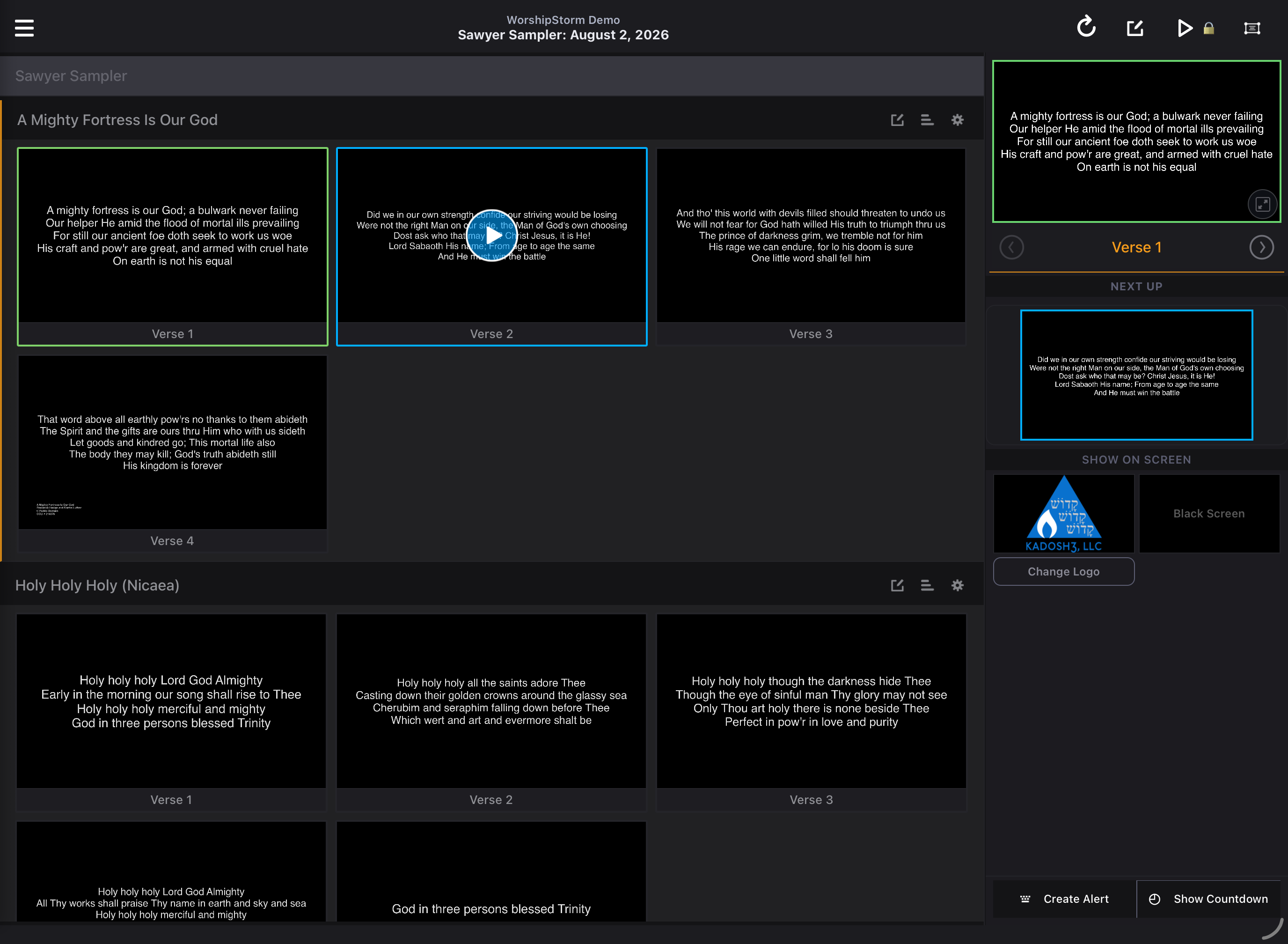
That is a complete presentation app. If someone prepares the service in Planning Center during the week, a volunteer can run it on Sunday without a subscription and without hitting a wall halfway through.
Two of those are free on purpose
Media and offline are the ones people expect to be paywalled, and they are deliberately not.
Presenting a service somebody else has already prepared is the free tier’s whole promise. A background that stopped rendering, or a plan that would not open in a hall with no signal, breaks that promise at the exact moment it matters most. What a subscription sells is expanding the media pool — browsing your Planning Center library and attaching something new — not playing what is already there.
Where it stops
A subscription unlocks the production workflow: editing lyrics and chords, song sequences, slide breaks and custom slides; custom layouts; attaching new media; adding songs with Quick Song; item settings such as looping; Sessions across several devices; the congregant Viewer; and in-app support requests.
Premium controls stay visible rather than disappearing, so you can see what a subscription would give you. Tapping one explains it and lets you carry on — you are never blocked mid-service by touching the wrong thing.
The full table, feature by feature, is in What’s free and what’s premium, and Working offline covers what is cached and what it can do without a network.
The part that is easy to miss
A free tier that ends mid-service is not a free tier, it is a demo. The line here was drawn so that the person who did not plan the service, did not choose the software, and did not know they were running it until Saturday night can still finish it.
Read next
- Viewer The back row can read along
- Plus Run Sunday from a tablet