

The next generation of Projector.
A rebuilt presentation engine with cross-network sessions, actively developed and running on iPhone, iPad, Android and in any browser — plus the Viewer companion for your whole congregation.


Free to use on any device — Premium adds editing, Sessions and Viewer.
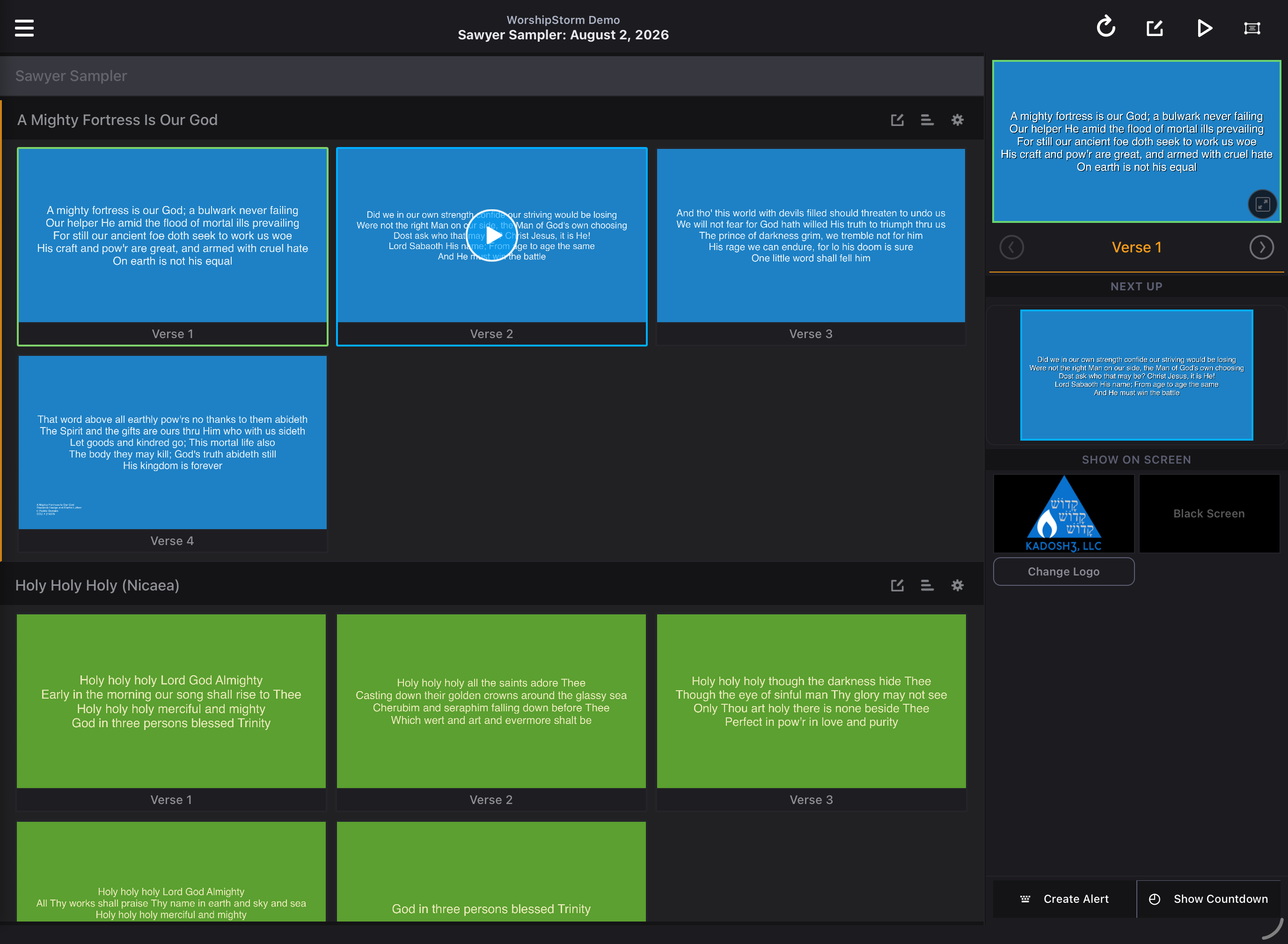
 Services
 Everything from Classic, reimagined.
Instant lyric slides
Open a plan, pick a date — lyrics from Planning Center Services become slides automatically, on built-in layouts or your own.
Runs in any browser
Nothing to install — run it on a laptop, tablet or phone and output to a connected display, over AirPlay, or into a second browser window. On a computer you present from every week, you can install it as a proper app in about ten seconds. Native apps are on the App Store and Google Play too.
Pairs with Viewer
Your congregation follows the live lyrics on their own phones — just share a session code.
Which projector is right for you?
Both connect to the same Planning Center plans. Plus adds platforms, a rebuilt engine, and the Viewer companion — and unlike Classic, it runs without a subscription.
| Feature | Classic | Plus |
|---|---|---|
| Platforms | iOS · macOS | Web · iPhone & iPad · Android |
| Presentation engine | Original | Rebuilt |
| Display output | HDMI · AirPlay | HDMI · AirPlay · Android · browser window |
| Slide layouts | Built-in & custom | Built-in free · custom with Premium |
| Viewer companion | — | Premium |
| Planning Center Services | Yes | Yes |
| Access | Subscription only | Free tier · Premium subscription |
| Billing | App Store | WorshipStorm Cloud · legacy App Store honored |
One subscription per Planning Center organization — $6.99/month or $71.99/year, covering everyone in your org.
A subscription that belongs to your church.
A Projector Plus subscription is bought for your Planning Center organization and covers everyone in it, with the Planning Center user who buys it named as its manager. That one change removes the most common source of confusion we have seen in seven years of support.
WorshipStorm Cloud
Owned by your Planning Center account.
- Tied to the PCO user who purchases — not an Apple ID
- Manage, transfer, or cancel from the web portal
- 30 days free if your organization hasn't had a trial yet
- Same list price as the App Store
- Prices in USD; tax calculated at checkout and added where it applies
App Store
Owned by the Apple ID that bought it.
- Legacy subscriptions bought through Classic are honored in full, Premium features included
- Stay on it as long as you like — nothing to migrate
- Ownership follows the Apple ID, which is often not the person who manages your plans
- Transfers require Apple support, not us
Try Projector Plus free for 30 days.
Run it in a browser with nothing to install, or get the app from the App Store or Google Play. Connect Planning Center and present in minutes.