
What's free and what's premium
Projector Plus is free to use. After you sign in with Planning Center you can browse your plans and present a service without paying anything, for as long as you like. A subscription unlocks the production workflow around that.
There is no trial to start and no countdown — see Free Trial and Subscribing for how the free trial works when you do subscribe.
Always free
| Browse your plans | The full plan list and every item’s details |
| Present slides | On the device, to an external display, or over AirPlay |
| View lyrics and arrangements | Read-only |
| Built-in layouts | All 5 standard layouts, and you can switch between them freely |
| Media backgrounds | Any media already attached to a plan item — images, video, audio, and PDF or ZIP slideshows — can be selected in Item Settings → Selected Background and presented normally |
| Offline use | Plans and media are cached, so a prepared service still presents when the network drops — and Projector Plus starts offline on a plan it has already cached |
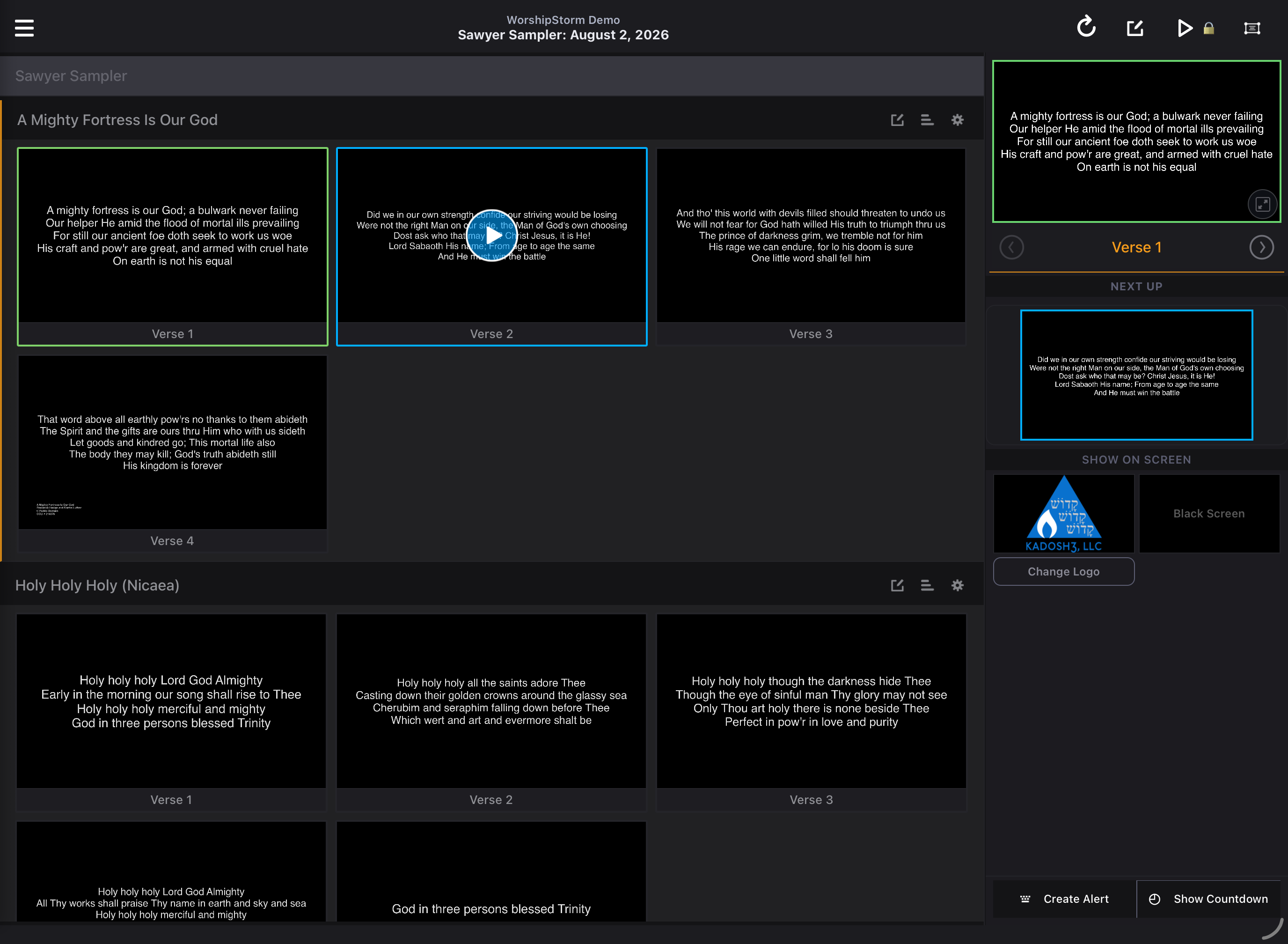
That is a complete presentation app. If someone else in your organization prepares the service in Planning Center, a volunteer can run it from Projector Plus on the free tier without hitting a wall.
Premium
A subscription or an active trial unlocks:
| Feature | On the free tier |
|---|---|
| Adding media to an item | Selecting a background already attached to the item is free (above). What is premium is the Media picker — browsing your Planning Center library and attaching something new. The + entry points are blocked. |
| Edit lyrics & chords | The editor does not open at all |
| Edit slide breaks | Opens read-only; you can look, not change |
| Edit song sequences | Opens read-only; you can look, not change |
| Custom slides | The list opens and existing slides are visible; add, edit, delete and reorder are blocked |
| Custom layouts | The picker lists the standard layouts only |
| Quick Song | Browse songs and pick an arrangement freely; only Add is blocked |
| Item settings | The screen opens; the Looping switch and the + add-media button are blocked |
| Sessions | The tab is locked |
| Congregant Viewer | Not available |
| In-app support requests | The Help screen opens; New Support Request is blocked |
The pattern is deliberate: screens open wherever looking is useful, and only the actions that change something are gated. You can inspect how a song is arranged, or see which custom slides exist, without a subscription.
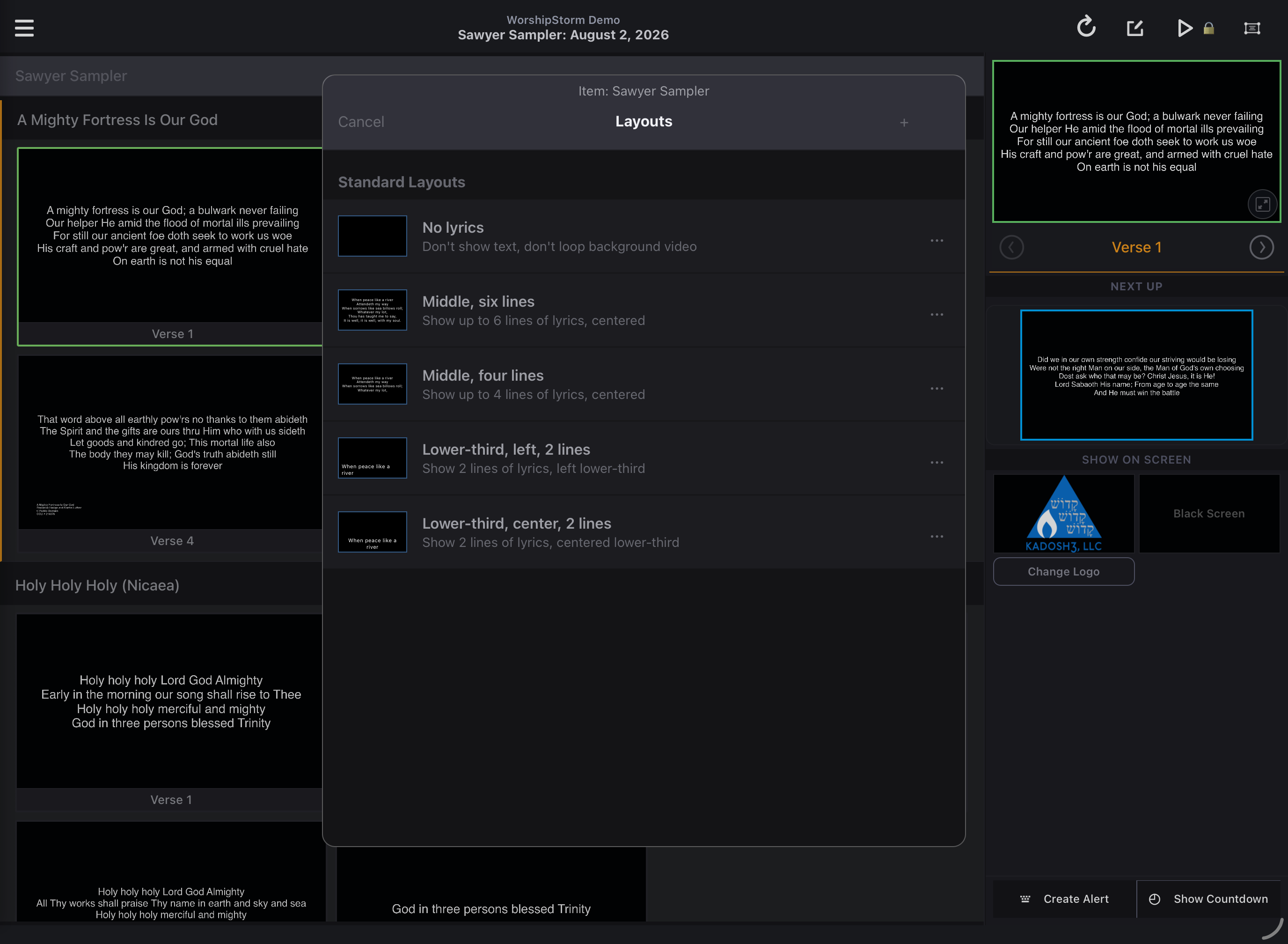
What a locked control looks like
Premium controls stay visible rather than disappearing, so you can see what a subscription would give you. Tapping one opens a Premium Feature message with the choice to subscribe or carry on.
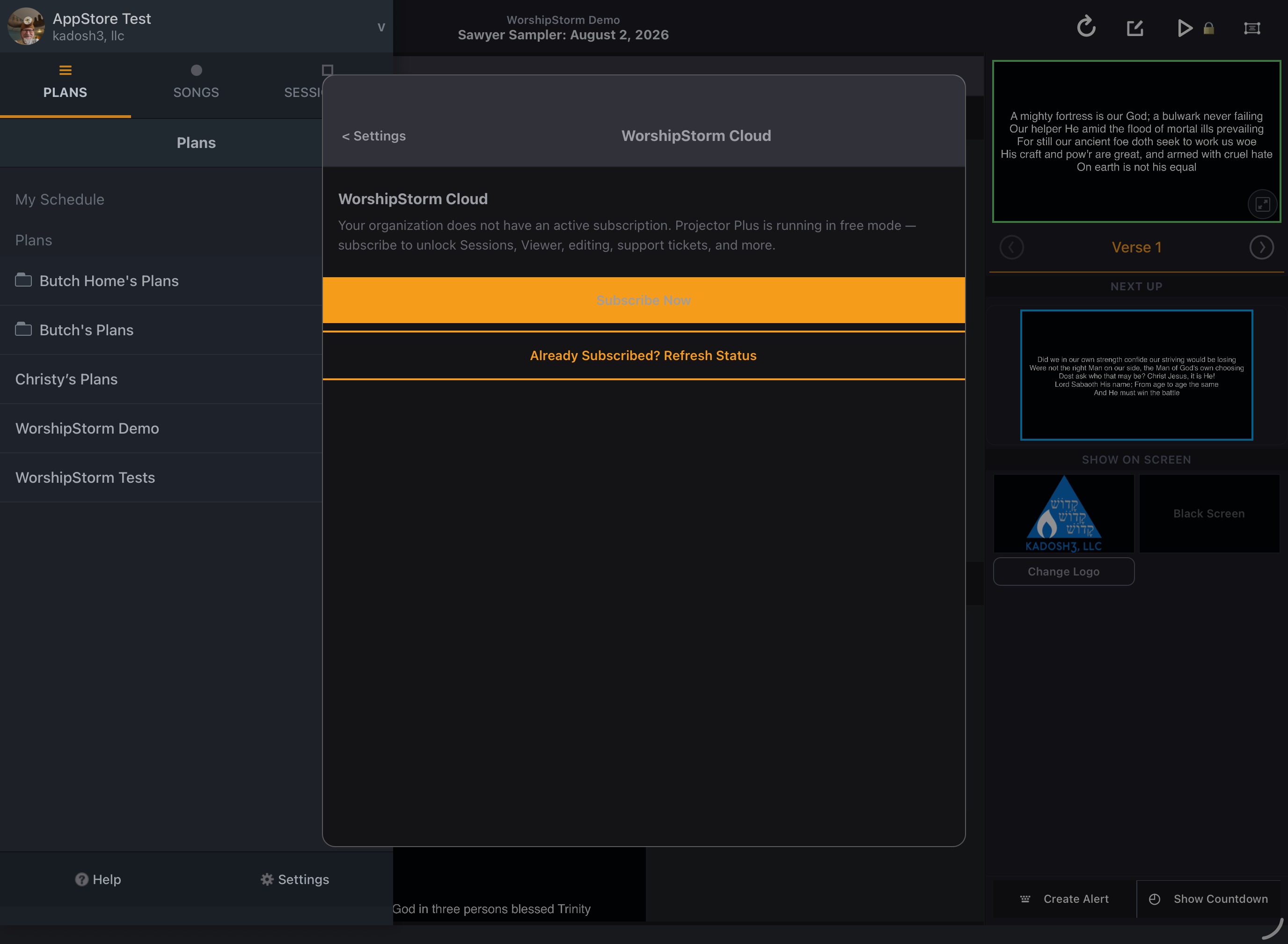
You are never blocked mid-service by tapping something premium — dismiss the message and keep going.
The upgrade prompt
On the free tier, Projector Plus shows an upgrade screen when you sign in and when the app comes back to the foreground — at most once every four hours, so it cannot interrupt you repeatedly during a service.
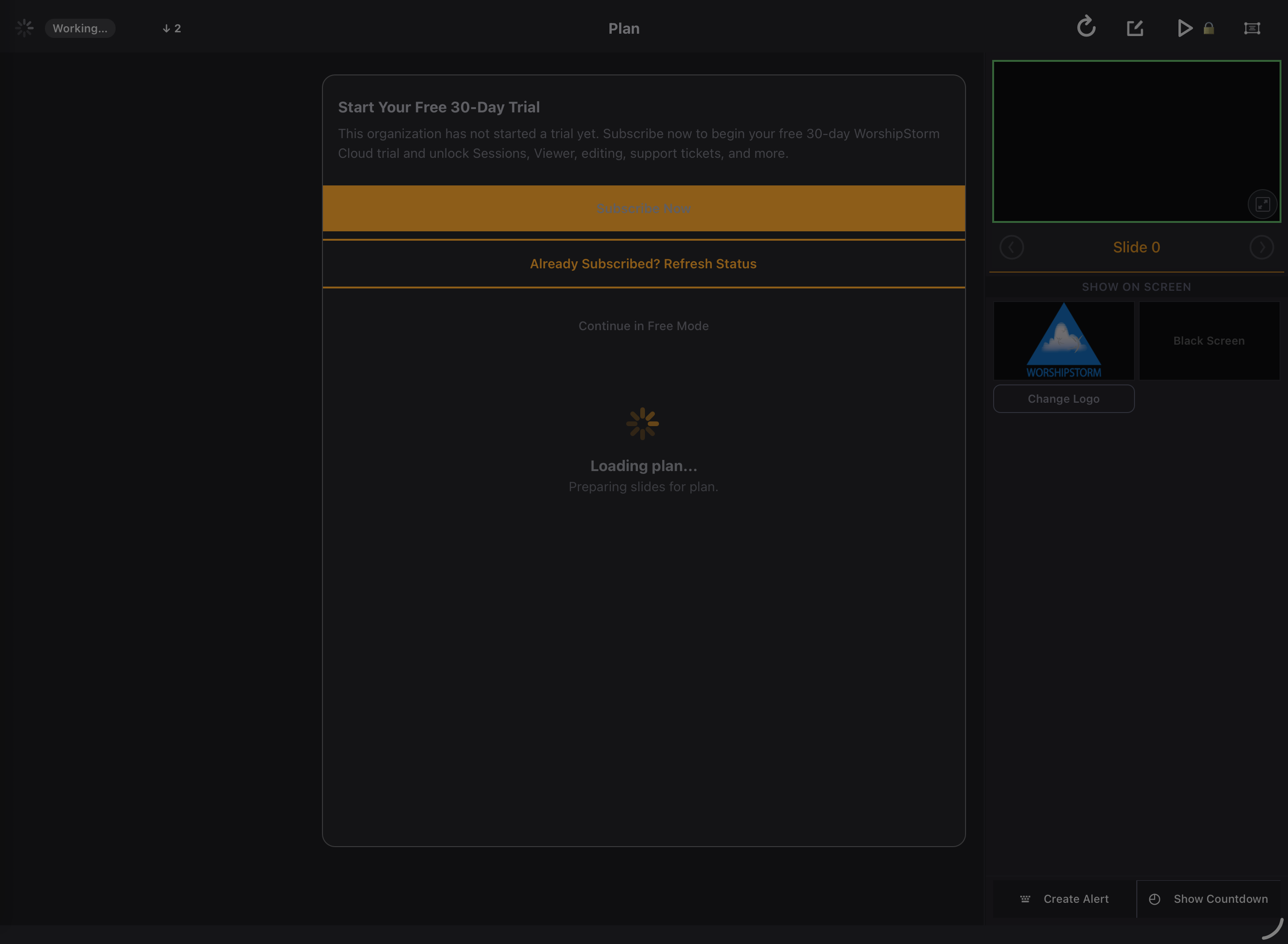
Dismiss it with Continue in Free Mode. Nothing is lost and you are never signed out.
Checking which tier you are on
A FREE, TRIAL or PREMIUM badge sits under your organization’s name, at the top of the plan list beside your profile — so the answer is on screen without opening anything.

It reads TRIAL rather than PREMIUM while you are inside the free 30 days. Both unlock the same features, but a trial ends — so the badge keeps them apart rather than letting a trial look like a paid plan.
Settings → Your Plan shows the same thing with more detail.
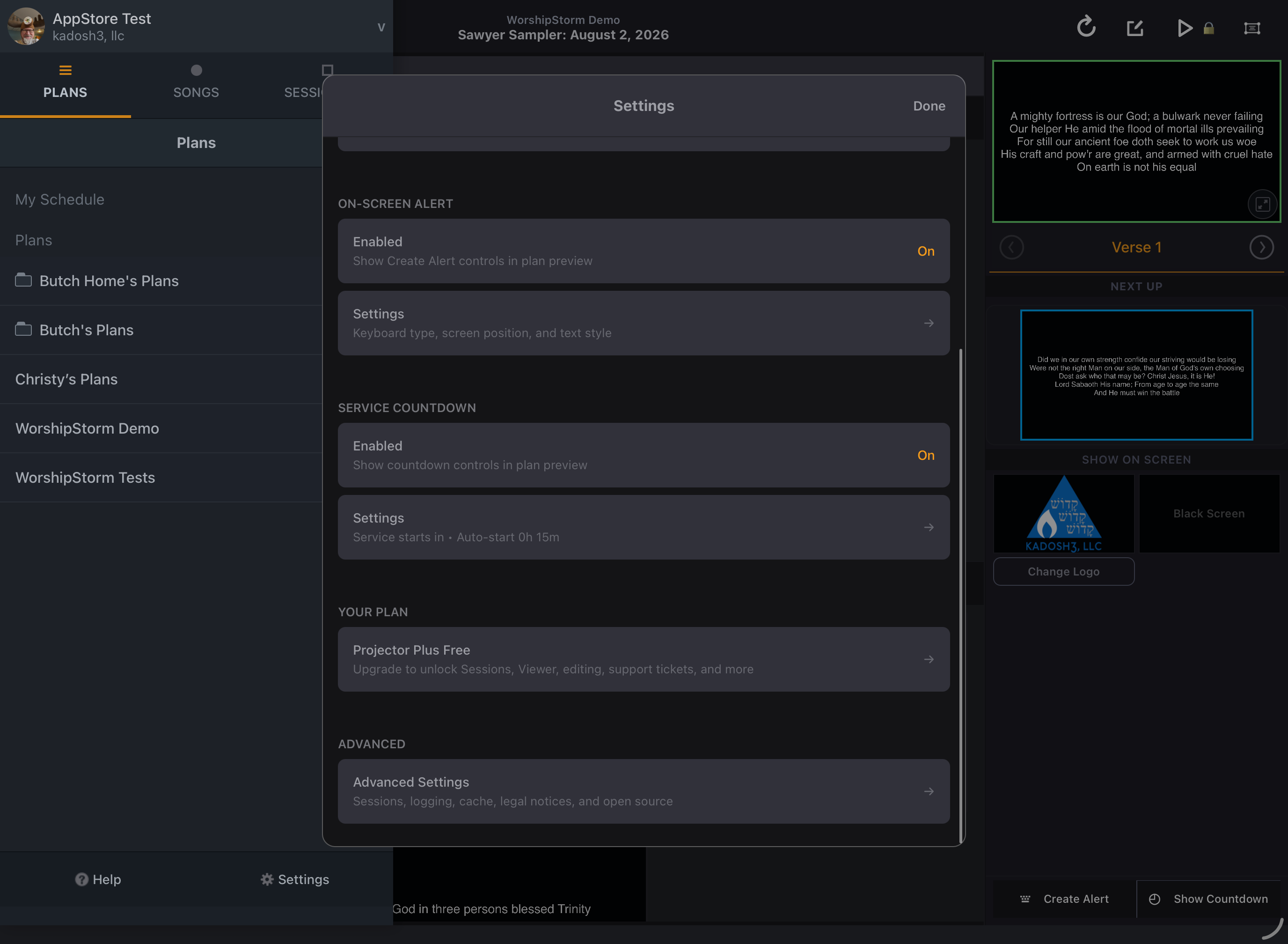
| Row | Meaning |
|---|---|
| Projector Plus Free | No subscription |
| Projector Plus Trial — N days remaining | Inside the free 30 days that came with a subscription |
| Projector Plus Premium | Active subscription |
The tier belongs to your Planning Center organization, not to a device or a person. Everyone in your organization gets the same thing, and signing in on another device does not change it.
If a subscription lapses
Projector Plus returns to the free tier. Nothing is deleted, your plans are untouched, and you can still present. Any plan item set to a custom layout falls back to a built-in layout until you subscribe again.
See Subscription lifecycle for what each state looks like.