
Update 2025.0.0
Released
Projector Classic Subscription Changes
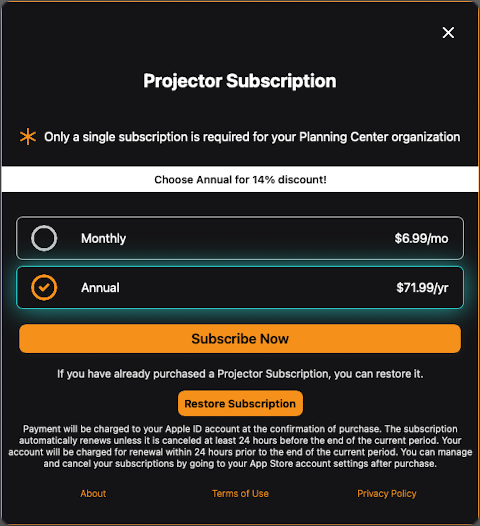
- The monthly subscription price will be increasing on 4/26/2025 from $4.99 USD to $6.99 USD. Customers may need to accept the subscription price change at the next renewal period, depending on the country that they made the purchase from.
- There is a new annual subscription that can be choosen of $71.99 USD per year (approximately 14% discount from the monthly subscription rate).
The Projector Classic Subscription popup has changed to present both monthly and annual choices:
- Projector Classic will now automatically popup subscription reminders should there be a problem with renewing the subscription, as well as daily reminders for those in the 30-day trial period. There is also a built-in 28 day grace period that Projector Classic will allow the app to continue to run when the subscription is expired, to give you plenty of time to address the problem.
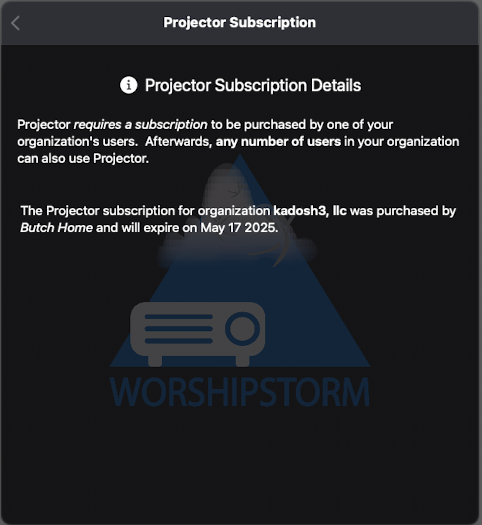
- To make it easier to delegate the Projection subscription management to your finance helpers who don’t need more privileged access to Planning Center Services, any Planning Center user in your organization can now subscribe to Projector Classic for your organization (not just Editor and Administrator users). The new Projector Classic Subscription screen (Settings -> Projector Classic Subscription) will make it clear who purchased the subscription so you can more easily follow up with them when any subscription issues arise:
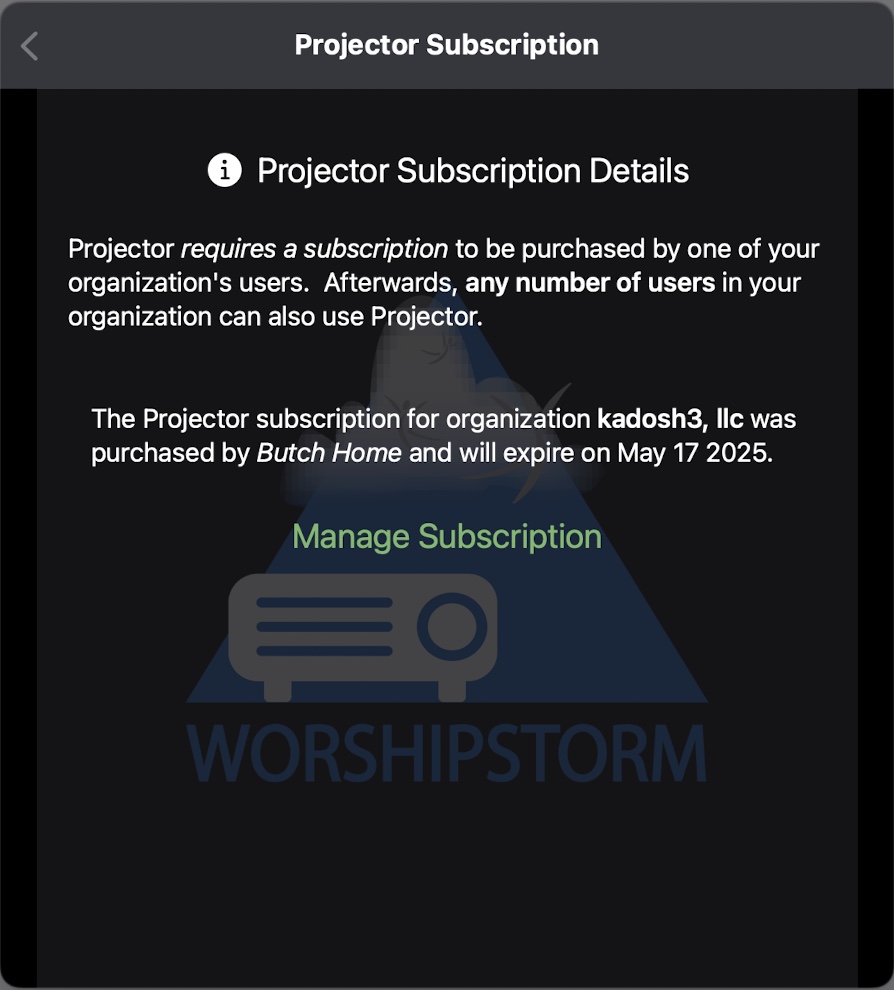
If your device (Apple ID) owns the Projector Classic Subscription, you can also manage the subscription from the Projector Classic Subscription screen by clicking the Manage Subscription button:
New Projector Classic Trial Mode
For those Planning Center organizations that have not yet subscribed to Projector Classic, any Planning Center user that logs into Projector Classic will automatically obtain a free 30-day trial on behalf of their Planning Center organization. This change has been made to make it easier for anybody to try out Projector Classic, without needing to be an Editor or Administrator in their organization, or make a trial in-app subscription purchase. The Projector Classic Trial Details screen will popup every time Projector Classic starts, every day thereafter (if Projector Classic stays running), and can also be accessed through Settings -> Projector Classic Trial:
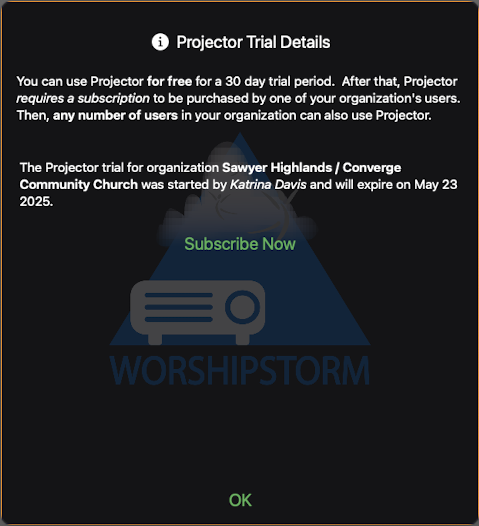
At any time during the 30 day trial, any Planning Center user in the organization can use the Subscribe Now button to purchase a Projector Classic Subscription for the organization. If no subscription is purchased after the 30 day trial has expired, Projector Classic will automatically logout until a subscription is made (just login again and subscribe).
Check out the Free Trial and Subscribing to Projector Classic and Managing the Projector Classic Subscription help articles for more details!
A few more things…
There are also a few stability improvements in this version as well, and you will notice is that this version of Projector Classic starts up much faster than previous versions, because most of the app initialization and subscription checking is now done in the background, so you can get to work more quickly when you start the app.
And finally, this version of Projector Classic requires iOS/iPadOS 15 and macOS 12 minimum to run.