
An Introduction to Presenting Lyrics with WorshipStorm Projector Classic
WorshipStorm Projector Classic is an iOS and macOS app that connects directly to your PCO Services account to turn your videos, lyrics & slides into presentations. Open Projector Classic, select one of your dates, and slides are created and ready for presentation!
Add & Edit Your Song Lyrics From PCO Services
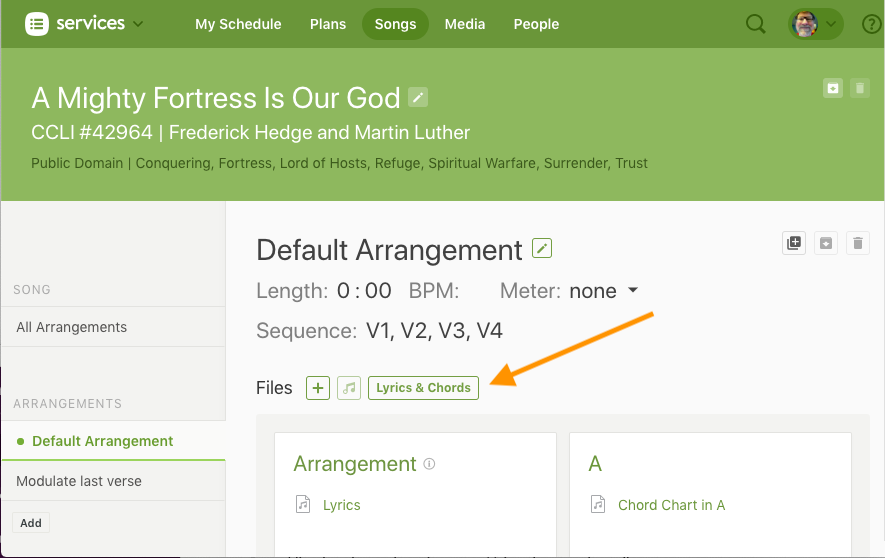
• Projector Classic is designed to present any lyrics you add into the Lyrics & Chords Editor on your song’s “Arrangment” page in PCO Services.
• If you already use this feature to create chord charts, you’ve already done 90% of the work, because Projector Classic will simply use those & strip out the chords to instantly create lyric slides for you.
To edit any of these lyrics from the app, see this article here.
Customize Slides Using Special Codes
You can use what Planning Center calls, “Special Codes”, in the Editor screen to do a little bit of customization that will only affect your slides and not your Lyric or Chord sheets, such as forcing a line break. See the PCO Services article here about “Special Codes for Lyrics, Chords & Slides”.
Organize Your Slides With A Sequence
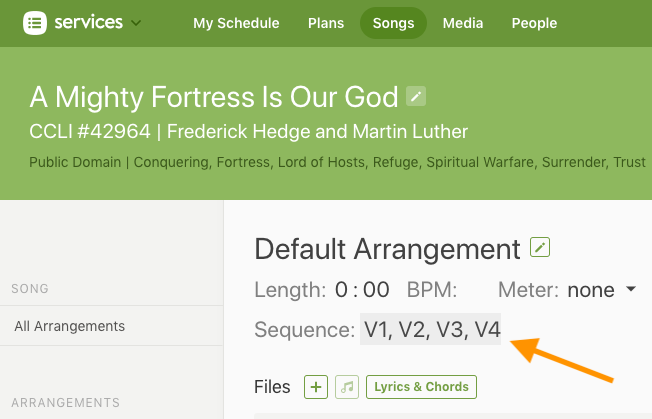
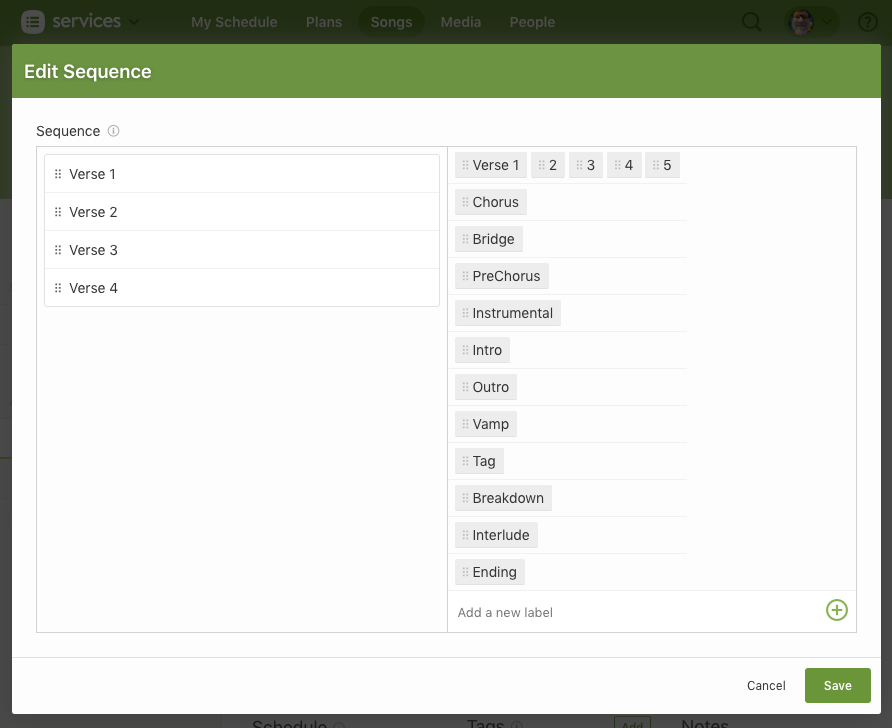
• Add your song’s sequence (roadmap) to the “Song Arrangement” page, to tell Projector Classic how to organize your lyric slides. Click “Create” (if no Sequence exists) or click the existing Sequence to edit.
• See the PCO Services full article on “Song Sequences” here.
• To edit the song’s sequence from the app, see this article here.