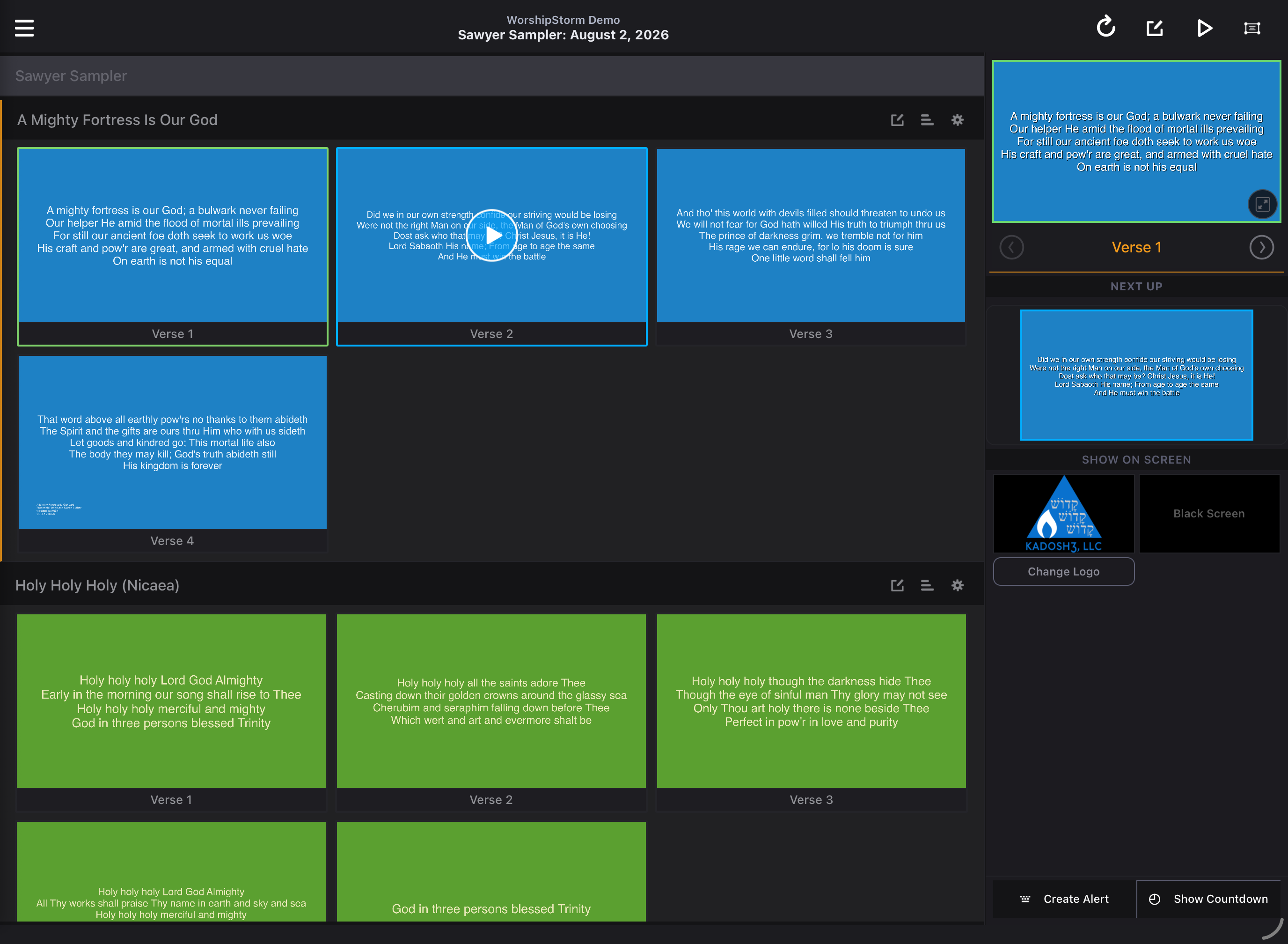
Displaying Service Countdown
The Service Countdown shows the time remaining until your service begins, on top of whatever is already on screen. It can appear automatically at a set time before the service, or you can show it yourself with the Show Countdown button.
The countdown disappears on its own when it reaches zero. You can also hide it at any time with the Hide Countdown button.
Showing the countdown
Tap Show Countdown in the action bar below the preview.
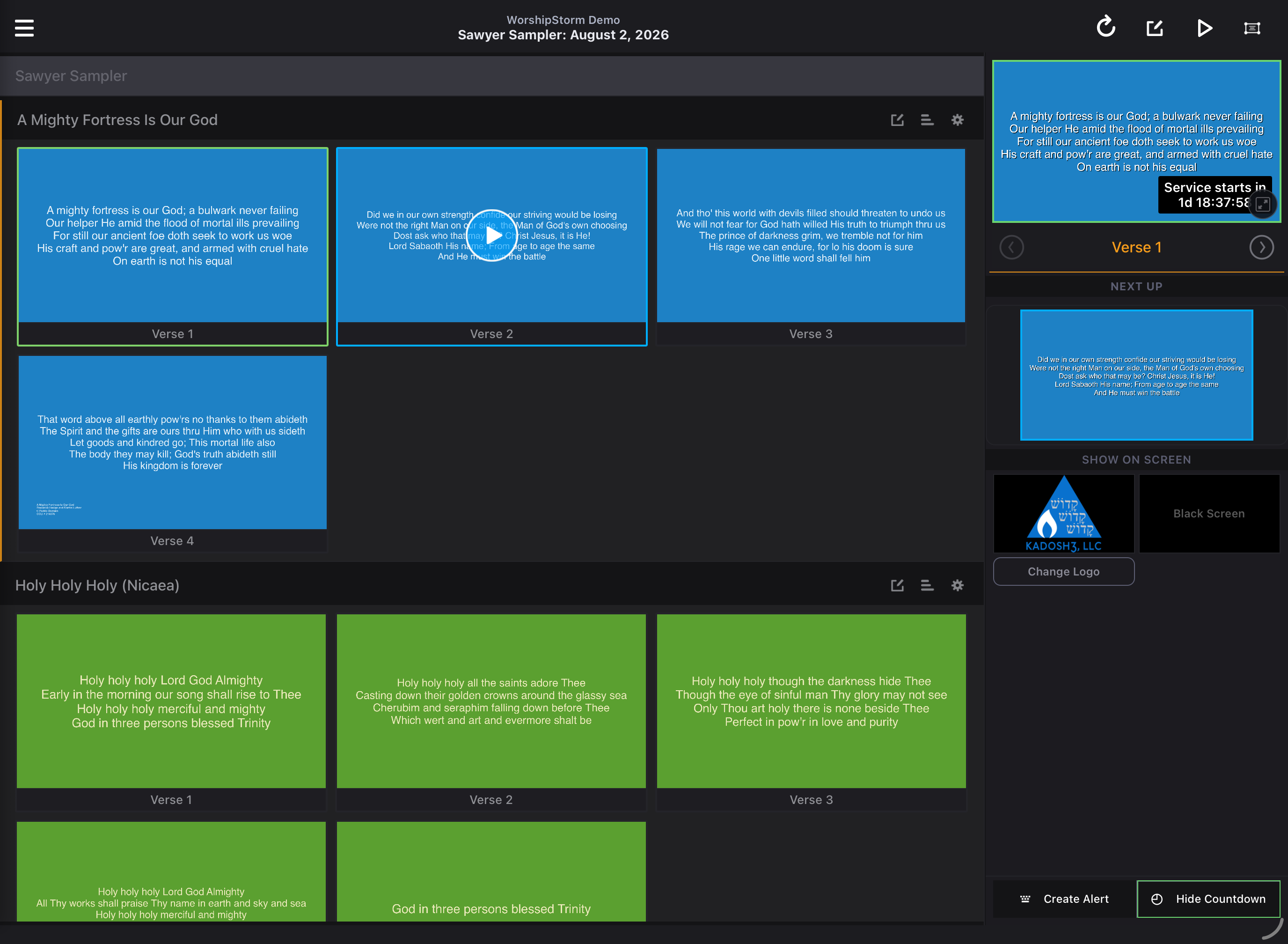
While the countdown is on screen, the button reads Hide Countdown and is outlined in green. Tap it again to hide the countdown.
If the service start time has already passed, the countdown reads 00:00:00.
Countdown Settings
Open Settings and tap Settings under Service Countdown.
-
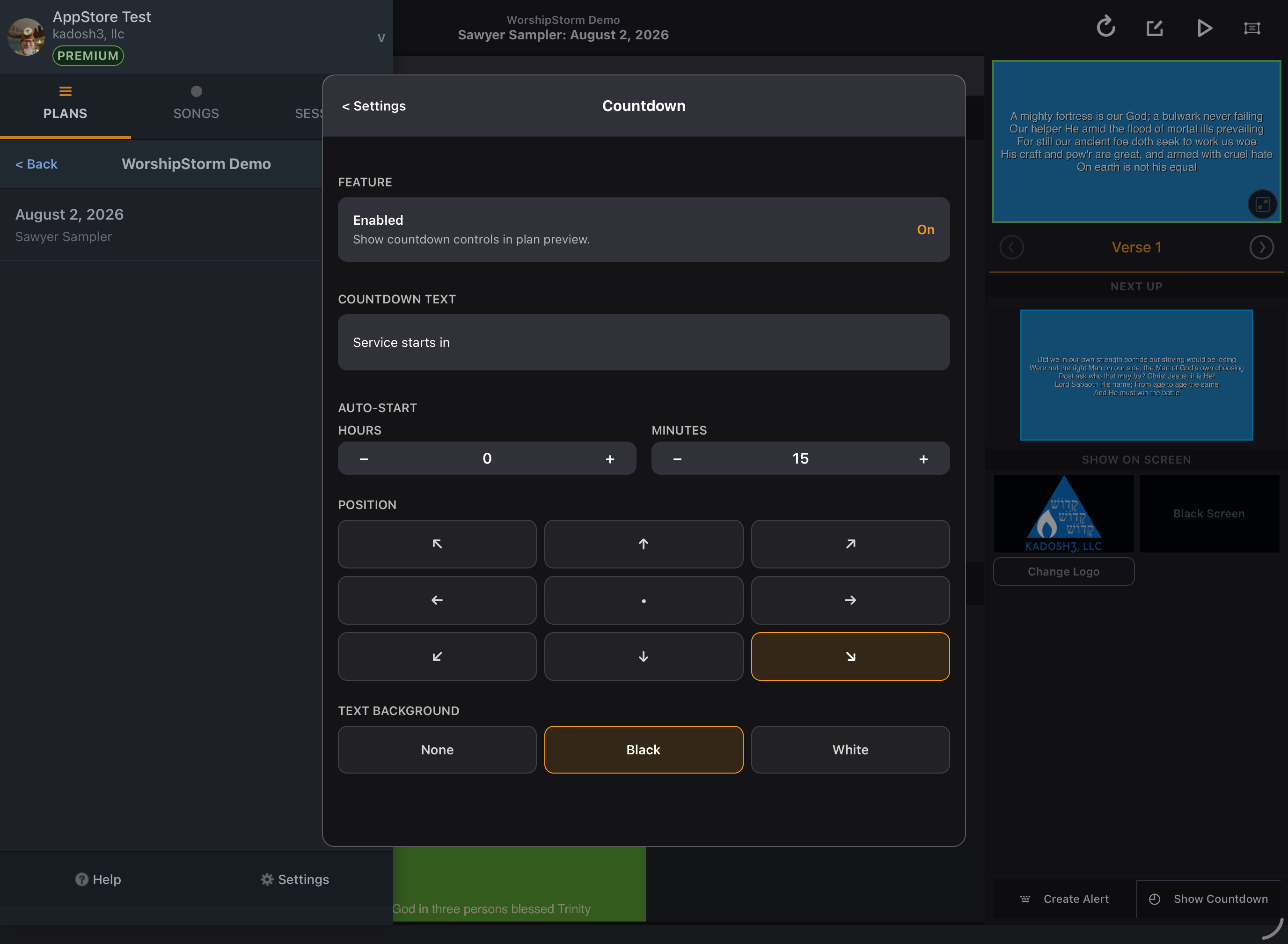
Feature — Enabled. On by default. Turn it off to hide the countdown controls from the plan preview.
-
Countdown Text. Defaults to Service starts in. Change it to whatever you want shown above the timer.
-
Auto-Start. Sets how long before the service the countdown appears on its own.
- The default is 15 minutes.
- You can set anything from 0 up to 23 hours and 59 minutes.
- Set both Hours and Minutes to 0 to turn auto-start off.
-
Position. Defaults to the bottom right. Tap any of the nine cells in the grid to move it. The on-screen alert defaults to the bottom left, so out of the box the two do not overlap — worth keeping in mind if you move either one.
-
Text Background. Choose None, Black, or White for the area behind the countdown text. The default is Black.
Feature limitation: plans with more than one start time