
App Update and Expiration
When Projector Classic launches, it will automatically let you know when there is a new version available in the App Store:
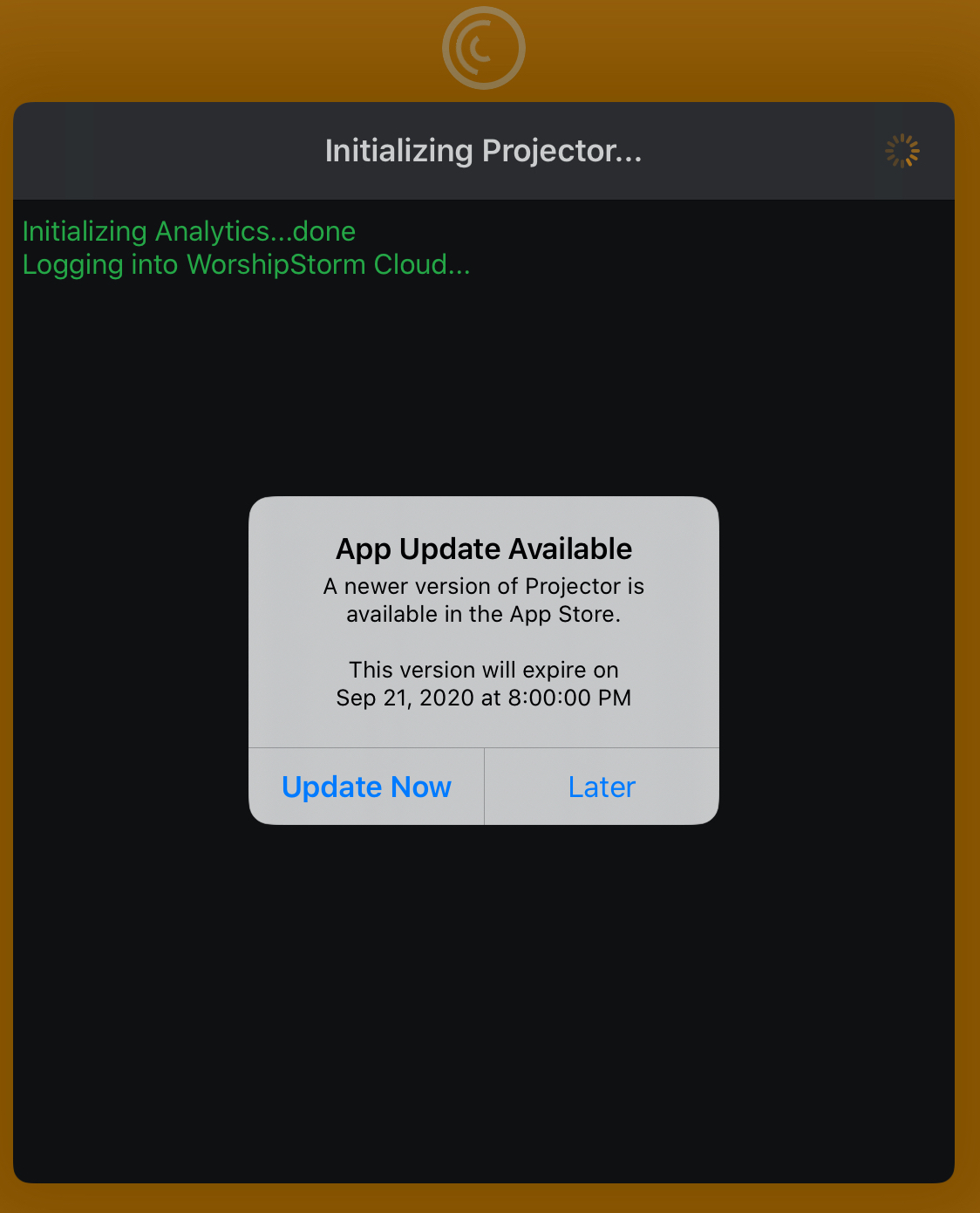
Clicking Update Now will take you to the App Store page for Projector Classic so that you can upgrade the app. Clicking Later will dismiss the alert and allow Projector Classic to continue running.
The alert also lets you know when the current version of the app will no longer be supported. If you have not used Projector Classic in a while and it’s currently running an older, unsupported, version, then you will need to upgrade the app to continue using it:
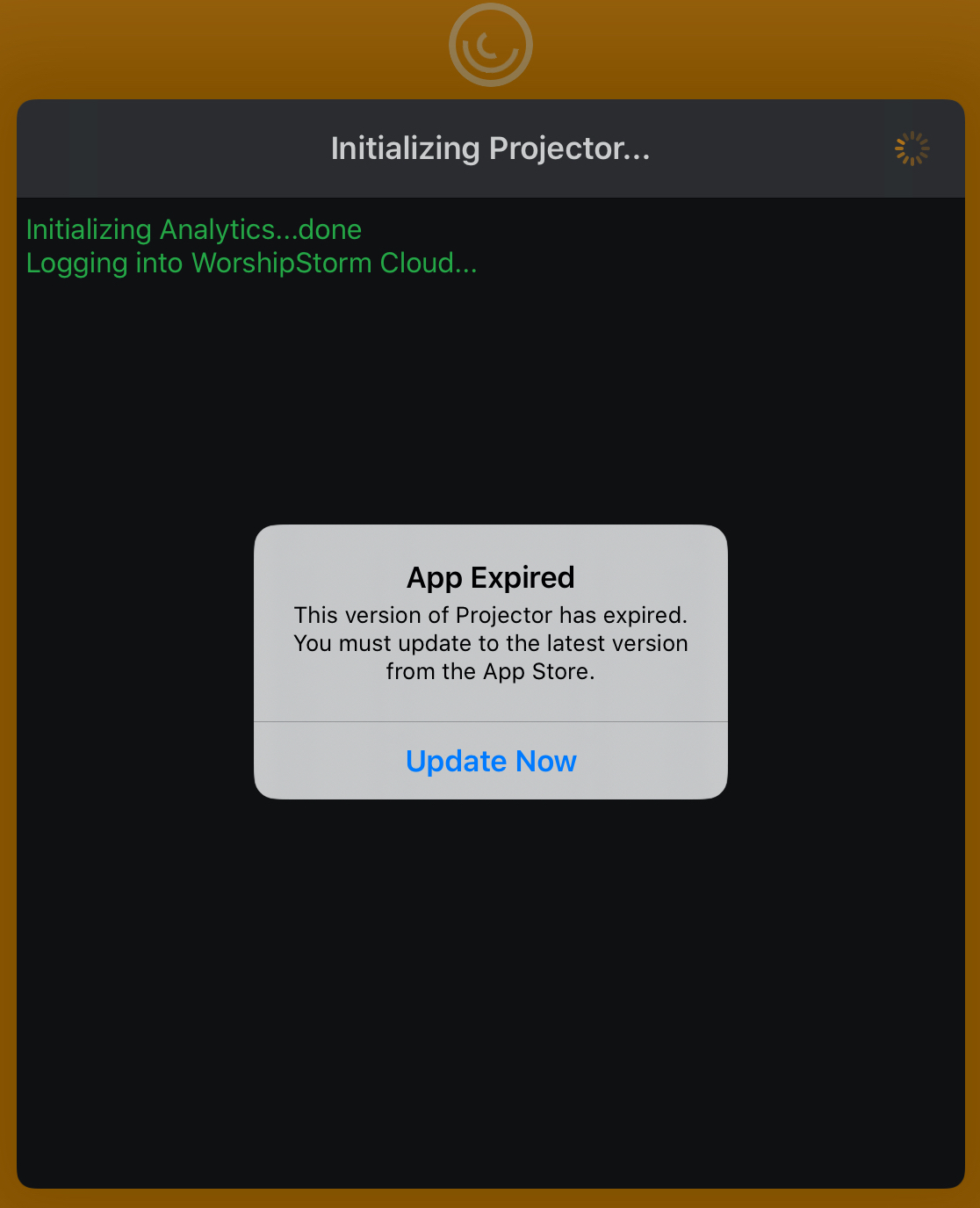
Clicking Update Now will take you to the App Store page for Projector Classic to upgrade. The current Projector Classic app will also logout.